
OVERVIEW
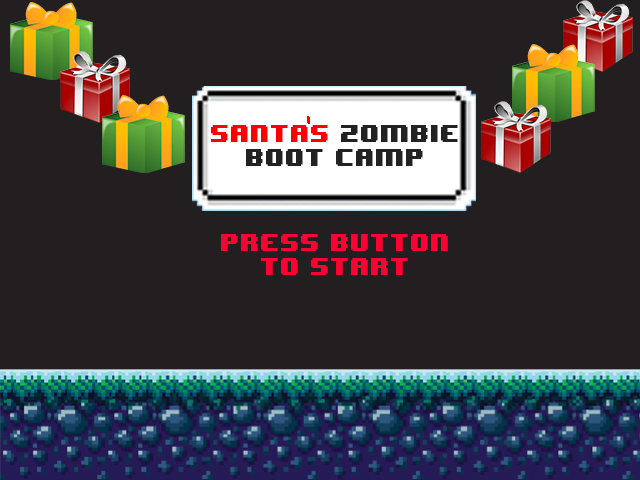
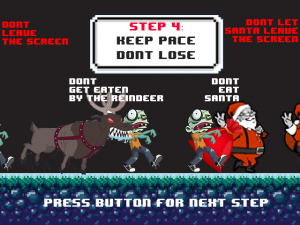
Santa’s Zombie Boot Camp is, at its core, a pacing game, written using p5.js and designed to be played through a web browser. Our zombie must keep pace behind the computer generated player (in this case, Santa)—should he get too close (and eat Santa!) or too far (and potentially fall victim to a monstrous reindeer), it’s game over for our zombie boot camper. (This project is the second iteration of a project called Zombie Boot Camp; however, this version has X-Mas themed graphics and sound, as well as some VERY cool custom controllers!) I worked this project with Patrick Warren, a classmate of mine from NYU’s Interactive Telecommunications Program.
Why Santa’s Zombie Boot Camp?
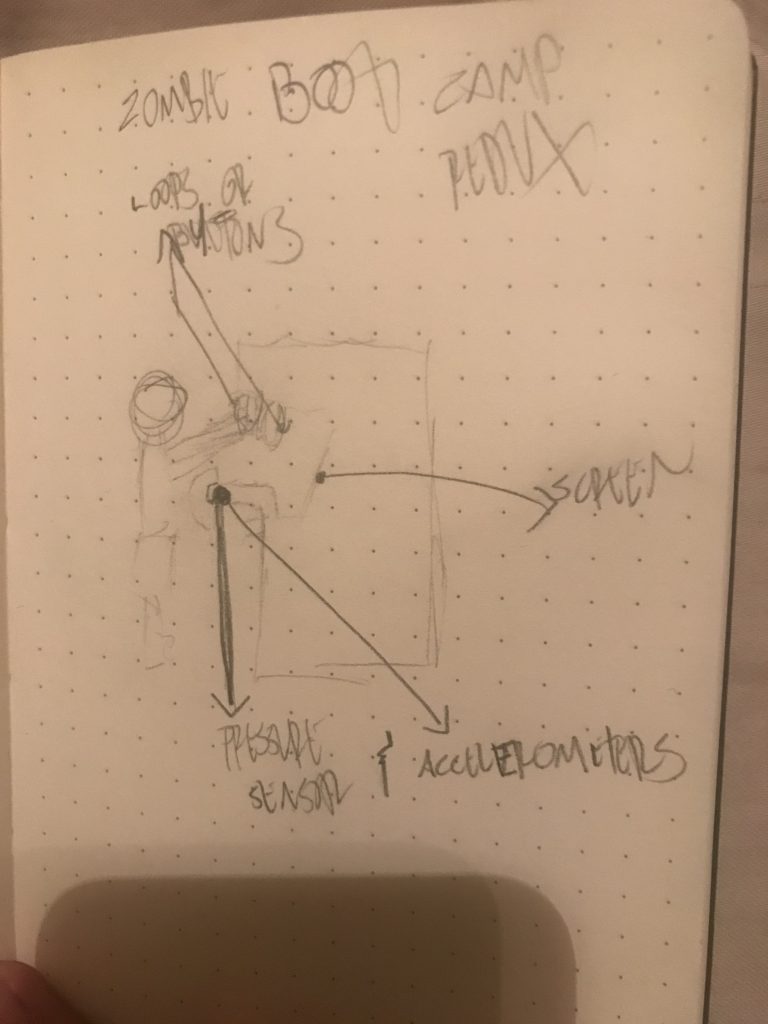
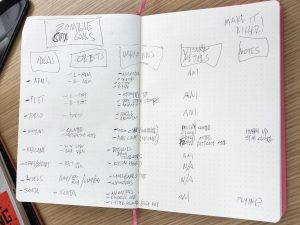
For Santa’s Zombie Boot Camp, we’ve not only taken the controller to a whole new level, we’ve put the boot camp in Zombie Boot Camp. The first major way we modified our game was by rethinking our approach to what it meant to play a zombie game. We had commented to one another about how we would like to add a control that would mimic a zombie lunging for someone, so, we revisited that idea and how we might implement and expand on it. These brainstorming sessions would lead us to embrace the idea of having the game’s controls be so custom to the game it would have the player moving like a zombie—at boot camp—in order to play the game. As most console games use standard controllers (even arcade cabinets have a recognizable silhouette), this level of customization of player controls for a specific game made the design process highly exciting!
Process
This rethinking of how we approached the project would lead to major changes in our game play setup.
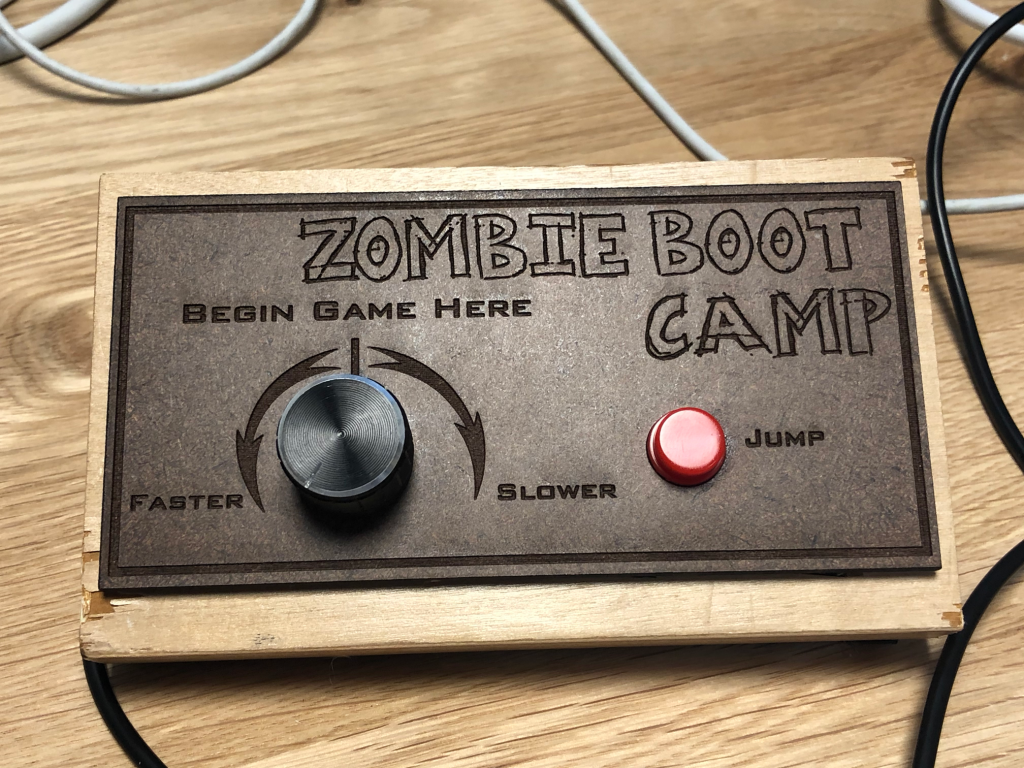
From using a handheld controller to a system of sensors that require movement, Zombie Boot Camp went from a fairly sedentary gameplay to a full-body workout requiring the use of your arms, legs, and core. Here’s how the game controls changed from the original handheld controller, which contained a button and potentiometer, for Santa’s Zombie Boot Camp:
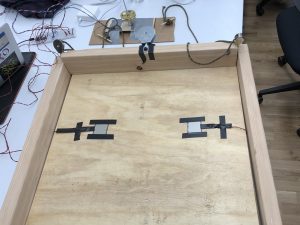
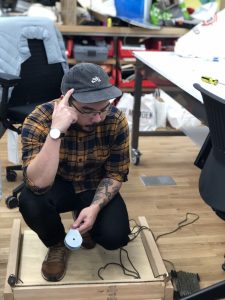
• A 2’ x 2’ platform base was constructed to establish a distinct game space.
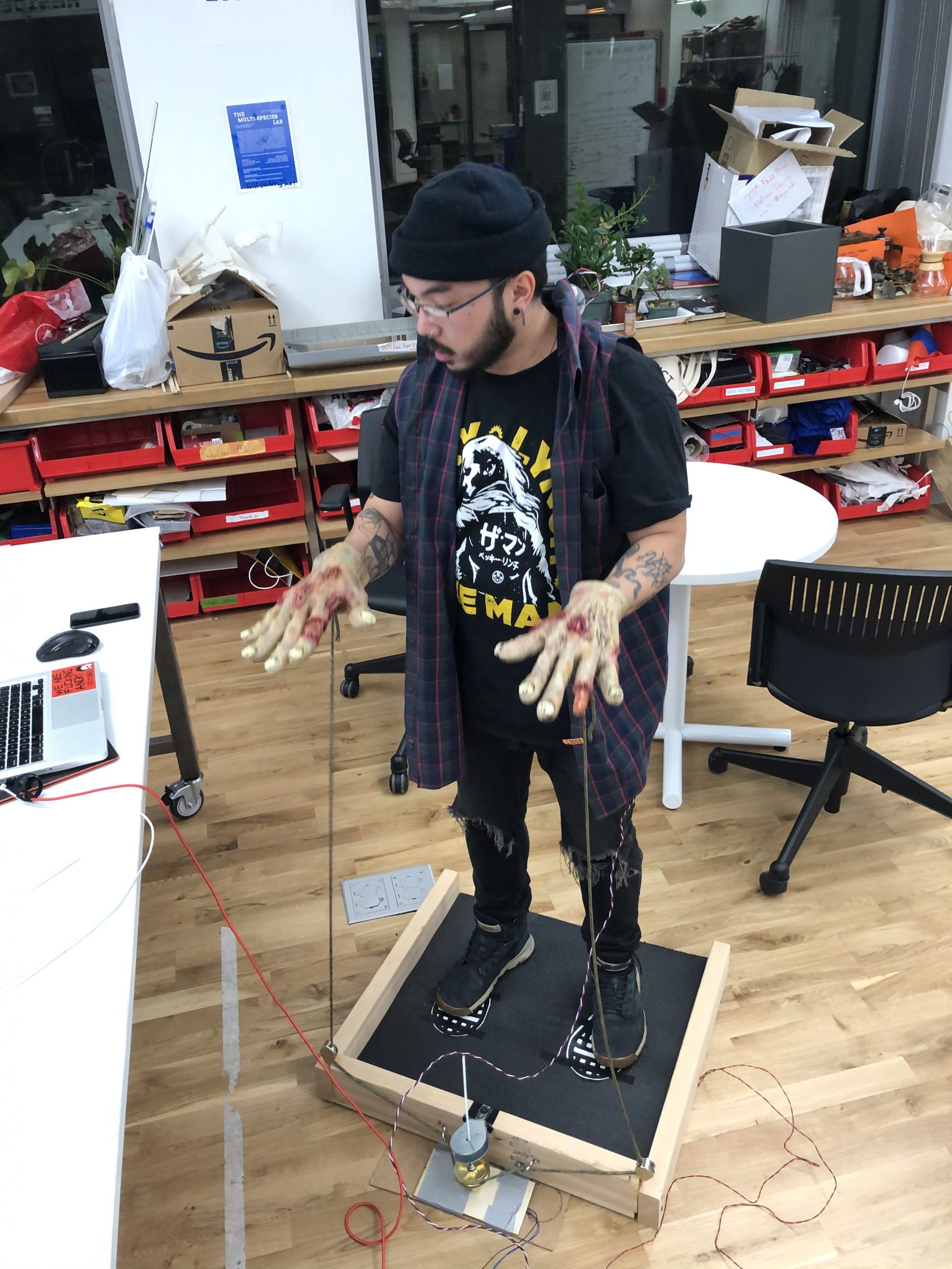
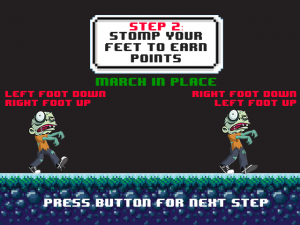
• FSRs were added to the platform base and placed under a mat for players to march/stomp on in-place. For gameplay, the continuous movement of the feet helps increase the player’s score.
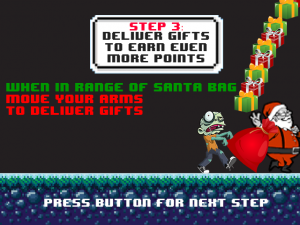
• A pulley system connected to a rotary encoder was added to the base, as well. Each corner of the front of the base has a pulley that connects to an end of the string. The users will move their arms up and down, like in classic zombie movie representations, to use this aspect of the game. For gameplay, the continuous movement of the pulley system when the player is within range of Santa’s bag will help the player deliver packages for Santa, thus earning the player more points!
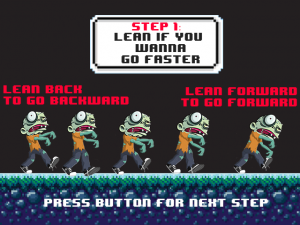
• A gyroscope has been attached to a vest worn by the player. For gameplay, leaning forward will cause the player to move forward and leaning back will cause the player to move backward.
• A larger start button has also been added, off to the side of the platform (in a newly fashioned box housing our wires.)
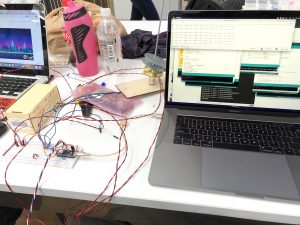
These new components are all connected to one breadboard using a Arduino Nano IOT 33 microprocessor and connecting to the p5.js sketch holding our game via USB to a MacBook Pro.
We also updated the code as well. First of all, in addition to our start screen, we added a number of instructional screens to help players understand what’s going on with the game. In our previous version, our zombie was following his trainer, keeping pace through a spooky setting. As they traveled from right to left on the screen, the trainer would jump and the player would be required to jump or be penalized.
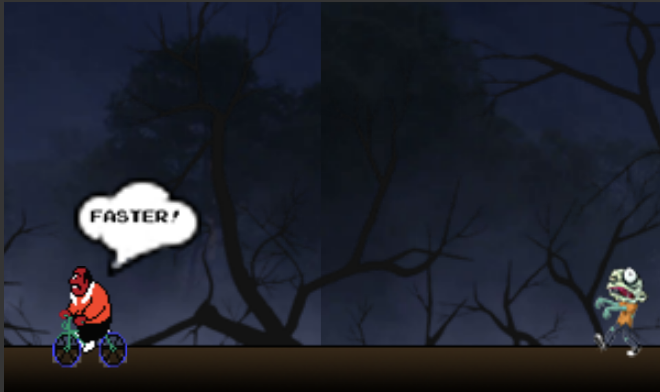
In the new version, our zombie is following Santa helping him deliver gifts (when he’s in range) while keeping pace traveling through a wintery background. To help our players better understand the sweet spot for pacing, we added a rabid-looking reindeer to make sure players don’t fall too behind. We also changed the direction the players travel across the screen to be a more traditional left-to-right direction after doing some user testing, and we also removed the obstacles from the route.
In addition to updating to more Christmas-themed graphics, we updated the music using an album of 8-bit Christmas music. And, in hopes of increasing the enjoyment of more goal-oriented players, we included increased difficulty as the game goes on as well as a scoring system.
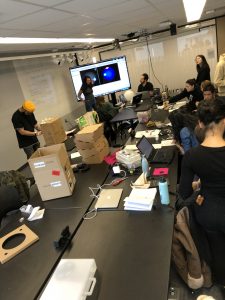
Along with all the good information we got from presenting our previous iteration of this project, we were very fortunate to get really positive feedback on, and some great suggestions for, our project from both our paper play testing and our final prototype play testing. If you’re curious to see more about the progress and development of our game over the course of eight weeks, here are some links to our previous updates on (Santa’s) Zombie Boot Camp:
04 December 19 – P Comp – Week 12 – Constructing Final Prototype after Play Testing
20 November 19 – P Comp – Week 11 – Building on Play Testing
13 November 19 – P Comp – Week 10 – Paper Prototyping
06 November 19 – P Comp – Week 9 – Final Project Planning And Budget
29 October 19 – P Comp – Week 8 – Preliminary Final Project Discussions
24 October 19 – P Comp – Midterm Group Project – Zombie Boot Camp
16 October 19 – P Comp – Week 6 – Labs & Midterm Progress
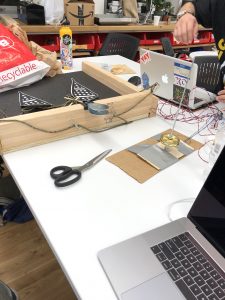
…and, just in case, here are a few more pictures, if you haven’t gotten your fill:
Takeaways
This project was very empowering. It was built on a project (Zombie Boot Camp) with a smaller scope and, once we had it working, we were able to expand its functionality and fine-tune the design to incorporate more immersive and interactive components. Having the ability to have so much control over the design process led us to come up with a game that players really enjoyed–significantly more than just playing with our, very-cool-but-very-standard, previous controller. Of course, future iterations would include more functionality and more streamlined controllers; that said, just seeing how much thoughtful design improved players’ experiences is very inspiring to me as a creative technologist!